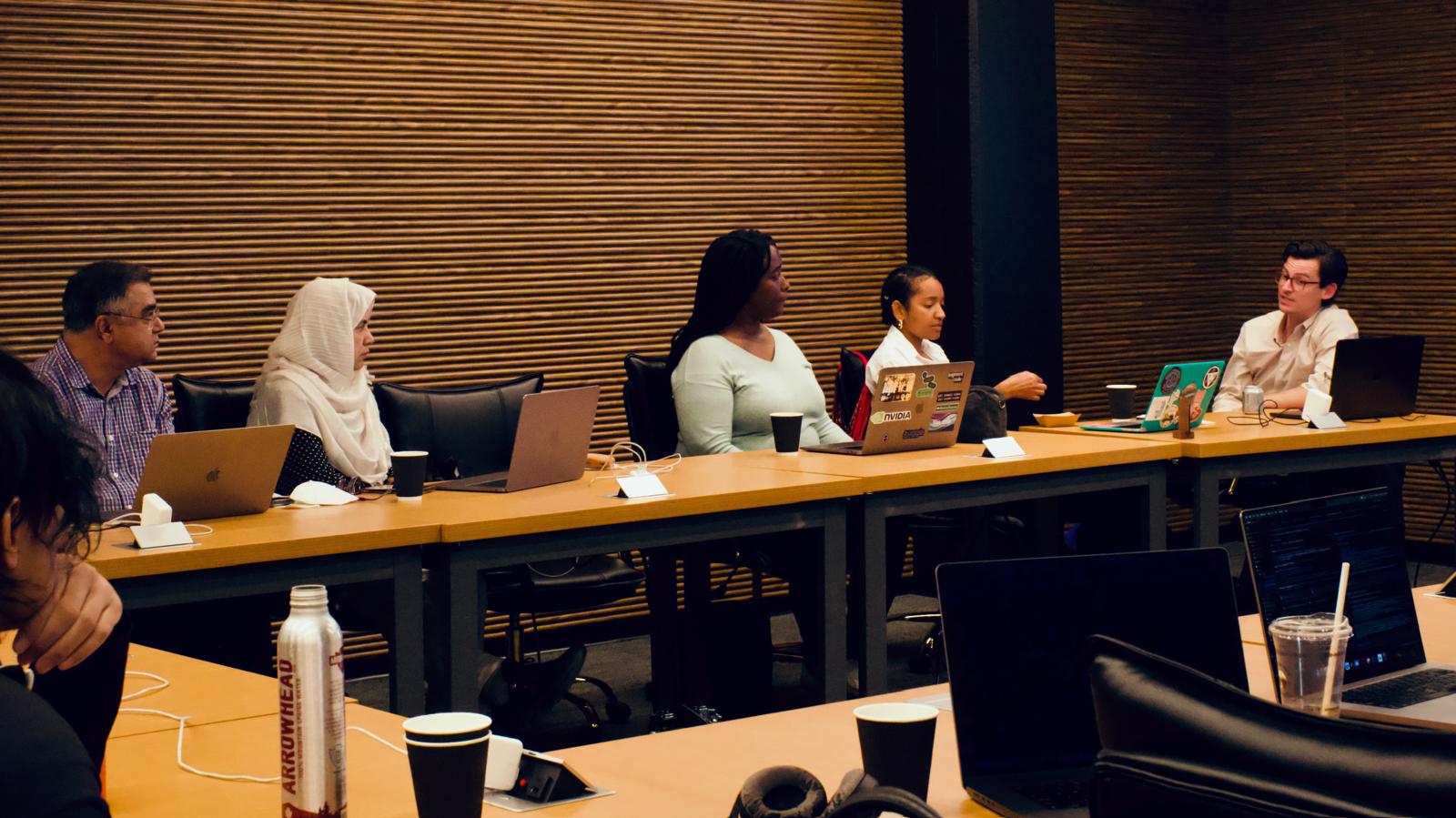
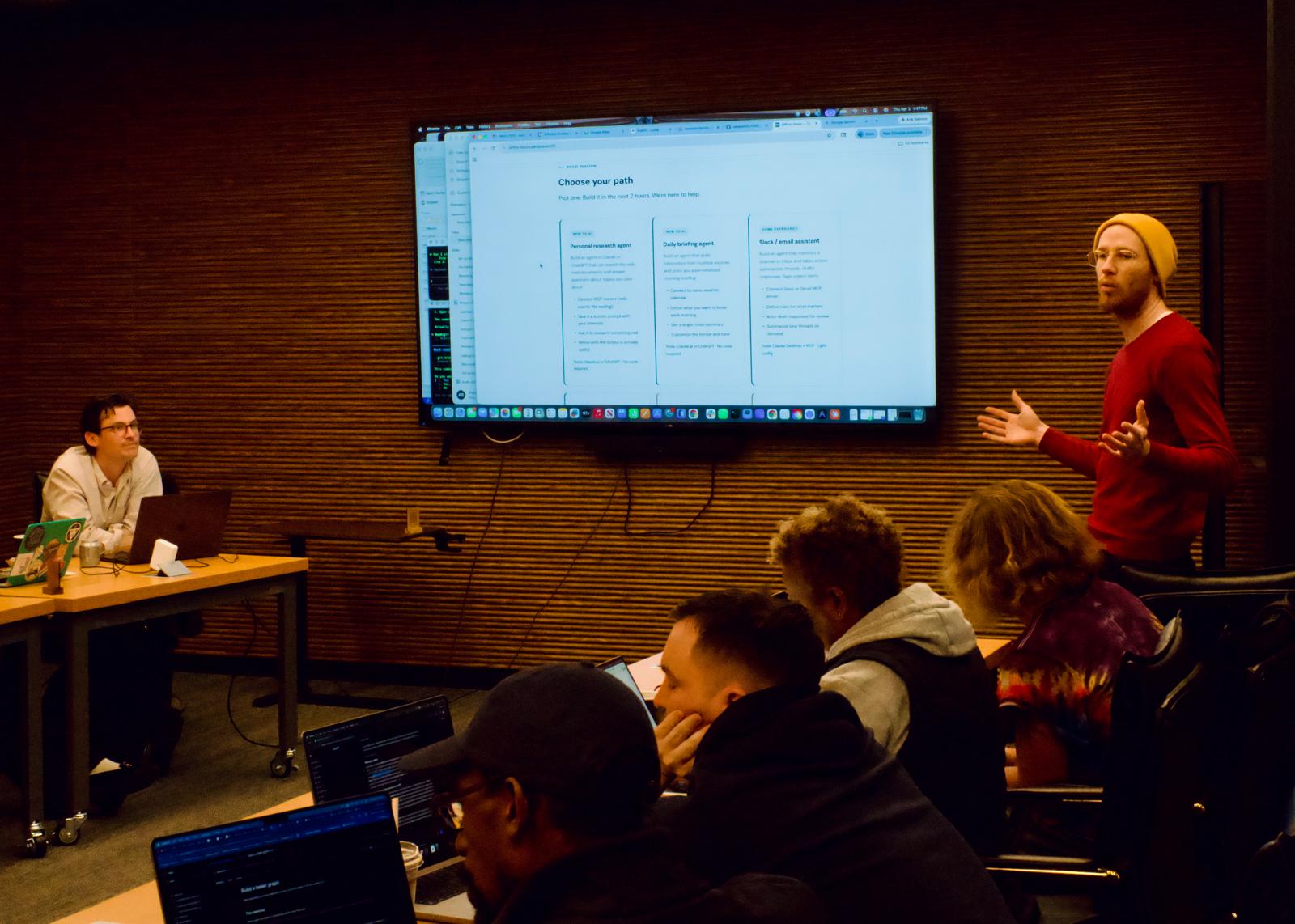
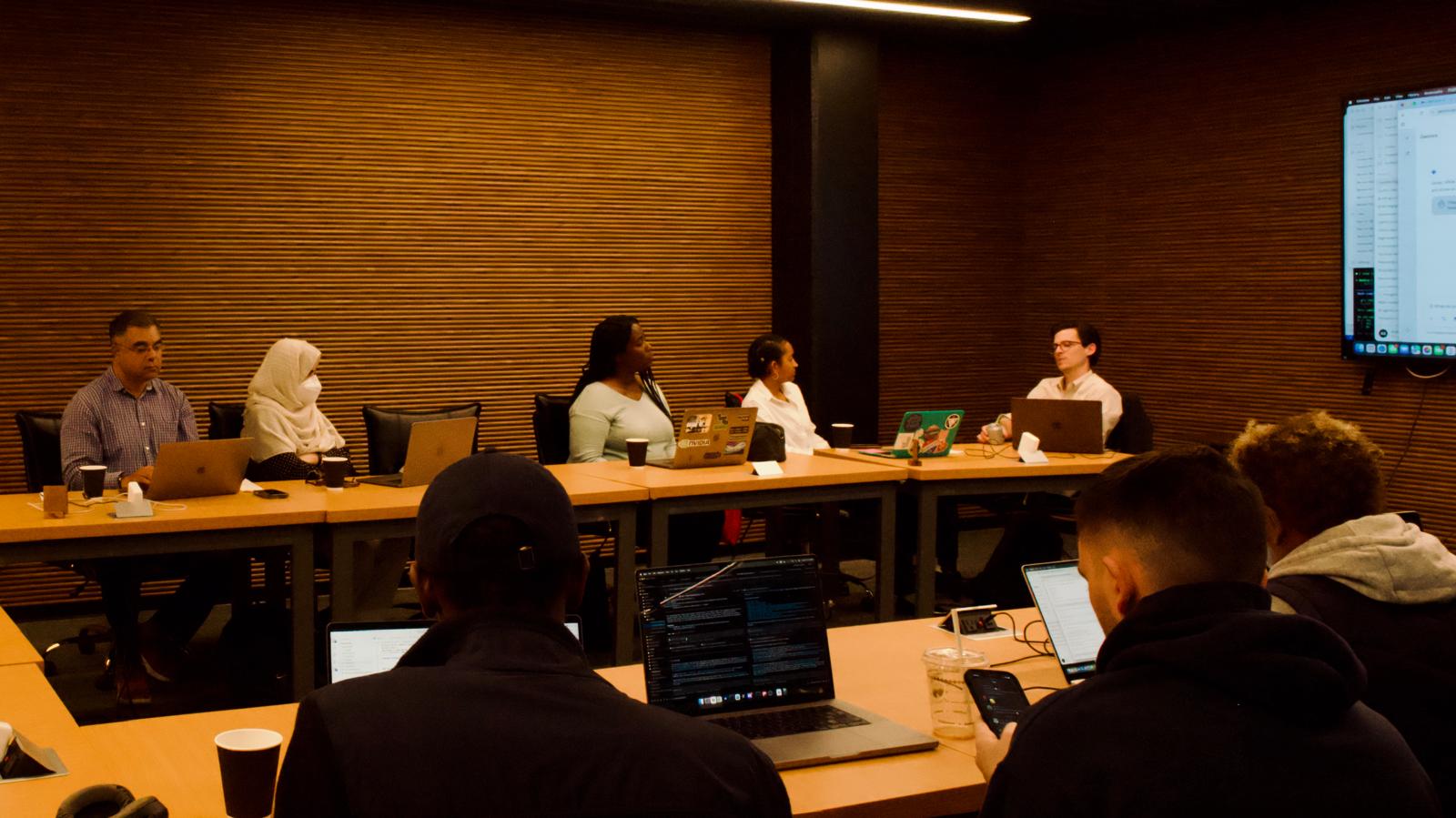
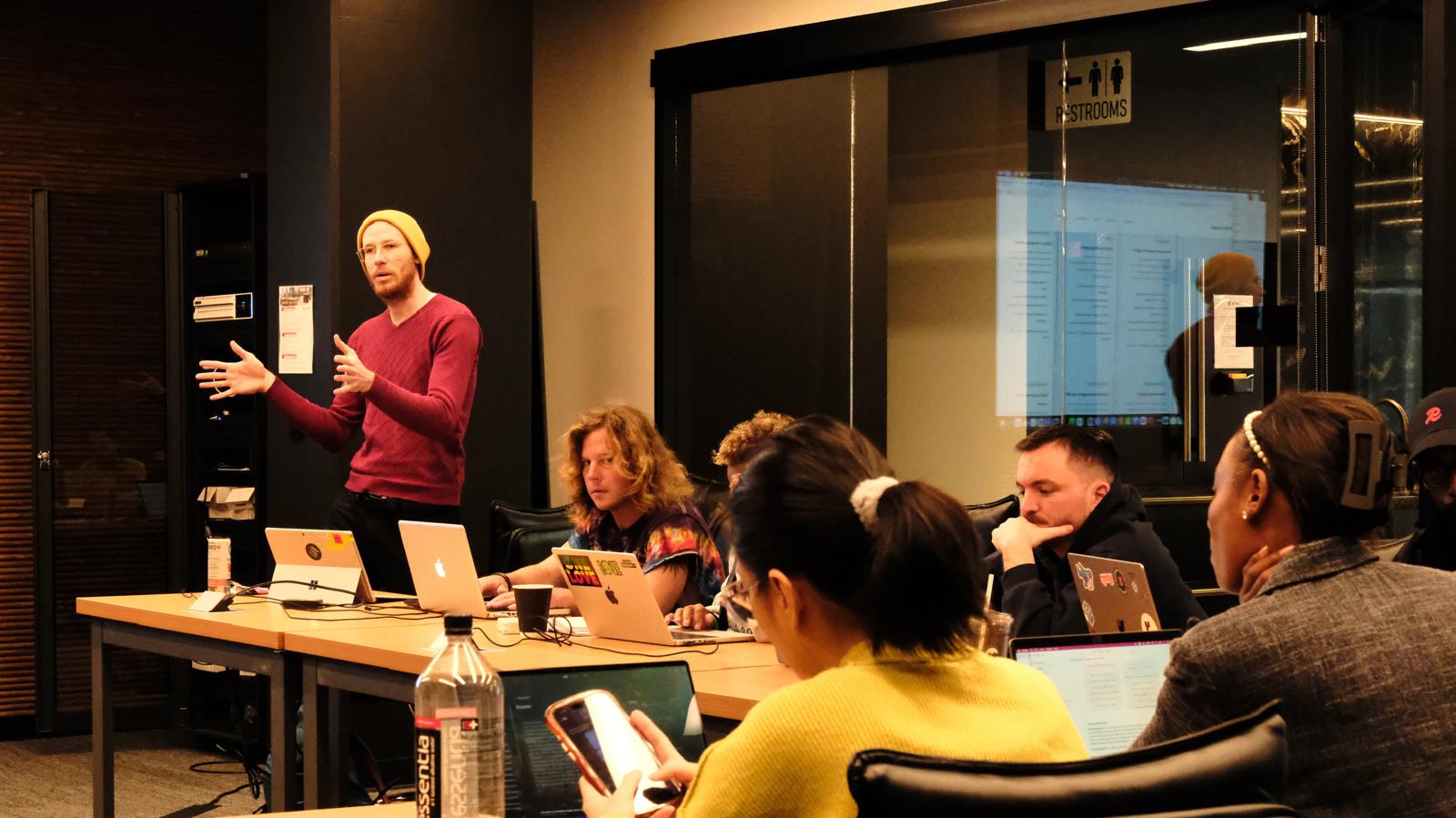
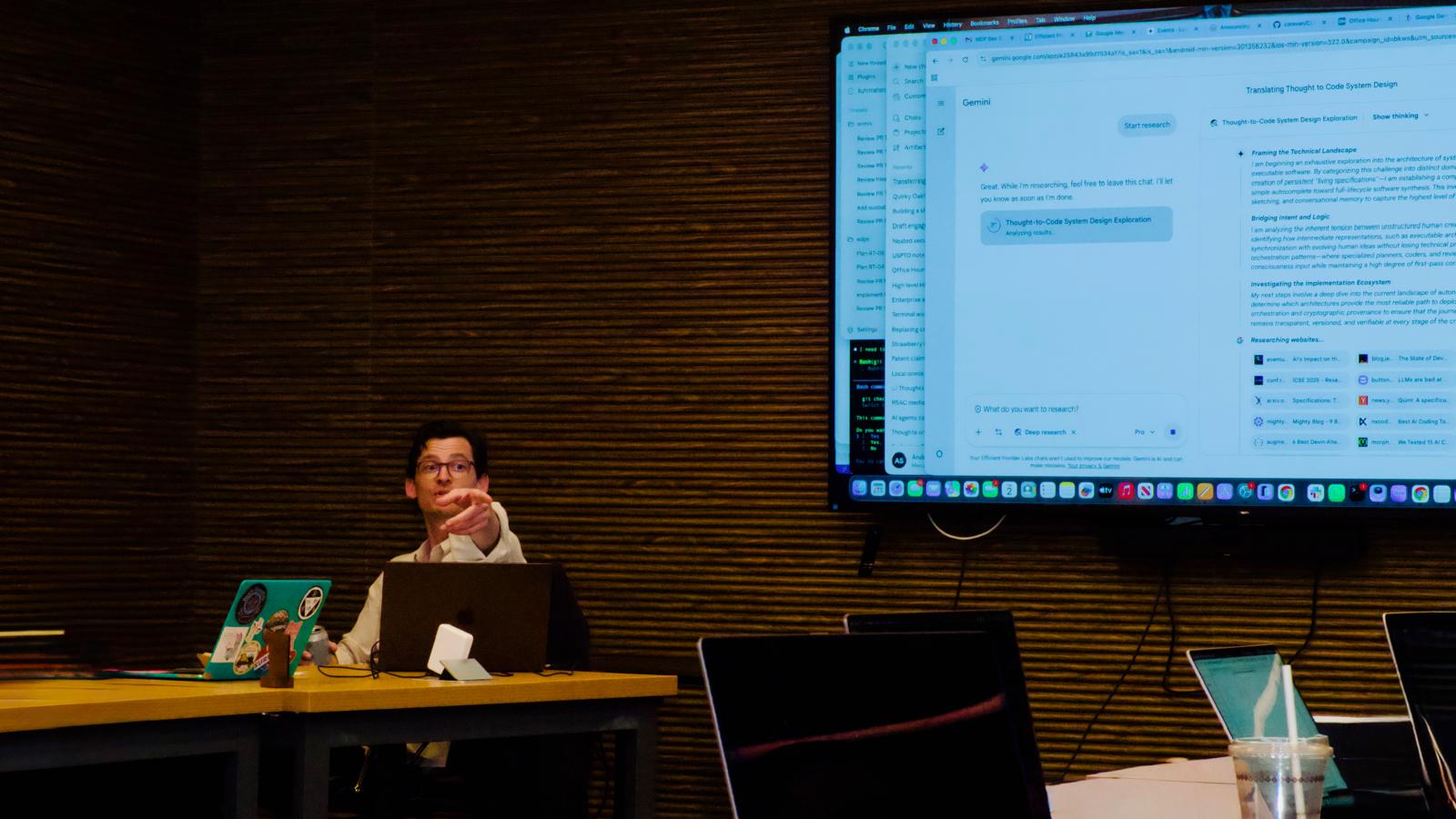
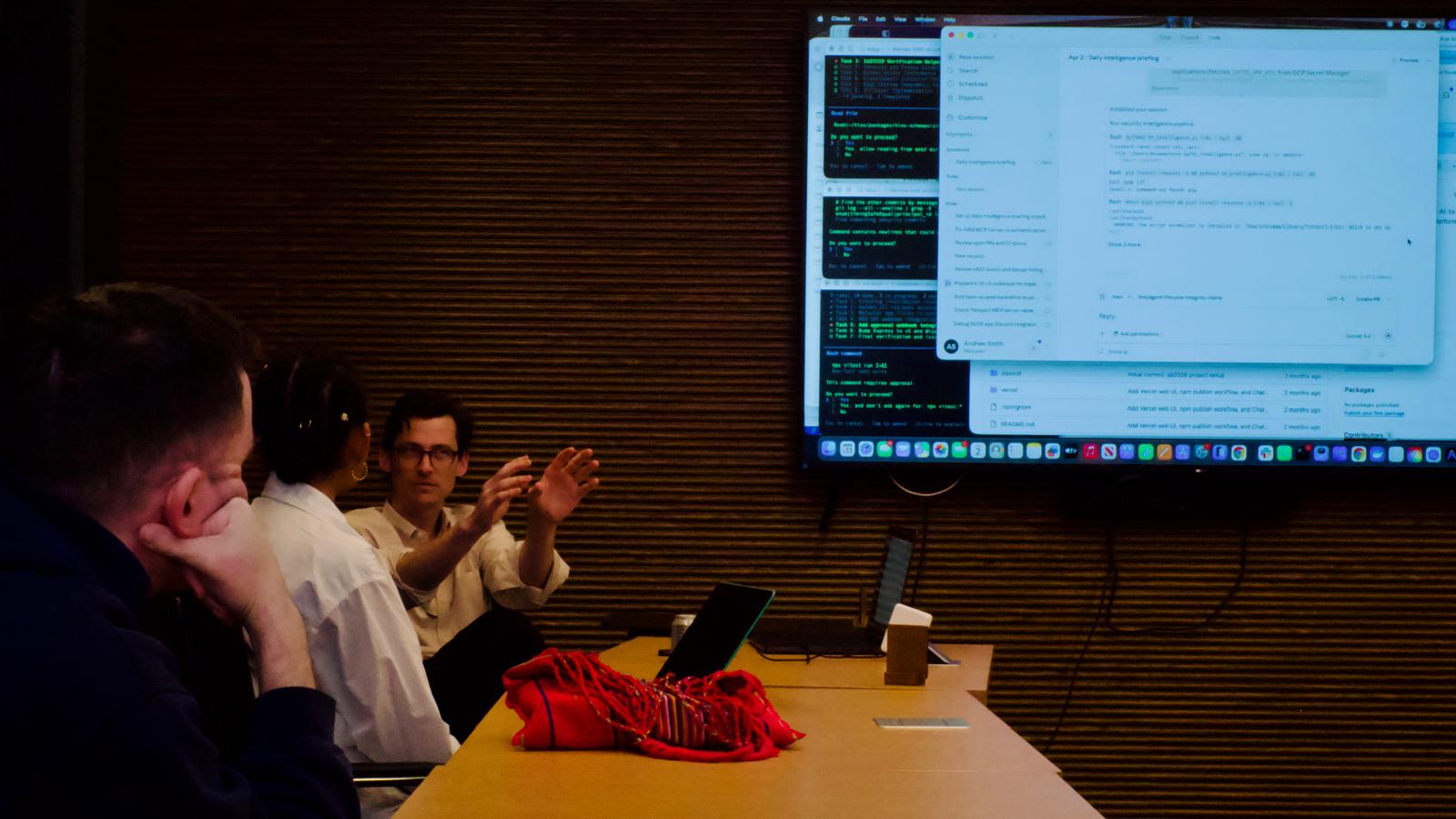
We kicked off Office-Hours.dev at 1900 Broadway Tower—Oakland yesterday.
Remember the first time you tried an iPod? Or rode in a self-driving car? Building with AI agents has a similar magical quality.
Ranging from first-time users to multi-agent orchestrators, the group brought the energy and plenty of magic. So many stayed well after our 3-hour session ended, hyped to share their passions, goals, and vision for the future.
I'm very fortunate to have a great team and community to lean on. Humbled to be across such amazing projects, and have the opportunity to contribute some of my learnings from along the way. Feeling inspired heading into the weekend.
Session 02: Agent Coordination and Orchestration — April 22, 2026
🙏 Adeniji Asabi, Brian💥 Sparkes, Colin Behring, Jason Esguerra, Ryan George, and Ted Yamada-Dessert for helping bring the series to life.
— Andrew Smith
AI gets useful when it can interact with the outside world. Today we connect models to real tools, real APIs, and real data. You'll leave with a working agent.
office-hours.dev · 1900 Broadway, 2nd Floor · Oakland, CA
Who's in the room. What you're hoping to build. Quick show of hands on experience level.
The shift from chatbot to agent. Why tool use changes everything. The 3 things that matter.
The building blocks. What they are, how they work, when to use which one.
From zero to working agent in 15 minutes. Everyone follows along or watches.
Pick a build project based on your skill level and what you care about. We help you scope it.
You build. We float. Ask anything. Change direction. Go deeper. The room is yours.
Quick demos of what people built. 2 minutes each. No pressure, but encouraged.
Quick show of hands. No wrong answers.
Just the chat interface. Asking questions, writing, brainstorming.
Used Copilot, Cursor, Claude Code, Codex, or similar.
Connected a model to an API, database, or external service.
Running in the real world, handling real data or real money.
You ask a question. It answers with text.
All it can do is generate words.
No memory between sessions.
Can't take action in the world.
Knowledge frozen at training cutoff.
You give it a goal. It figures out the steps.
It can call tools, APIs, databases.
It can maintain context and state.
It can take real actions: send emails, query data, make purchases.
It can access live, current information.
The key insight: An agent is just a language model with the ability to use tools. That's it. The model decides when to use a tool, which tool to use, and what to do with the result. Everything else is engineering.
You describe what tools are available. Name, description, parameters. The model reads these to decide what it can do.
The model outputs a structured request: "call this function with these arguments." Your code executes it and returns the result.
Model thinks → calls tool → gets result → thinks again. This loop continues until the task is done. That's the agent.
MCP is a standard way to connect AI models to tools and data sources. Think of it as USB for AI. One protocol, any tool, any model.
Every tool needs a custom integration for every model. N tools × M models = N×M integrations.
Every tool implements one standard. Every model speaks one protocol. N + M integrations total.
Why this matters today: MCP servers already exist for Google Drive, Slack, GitHub, databases, Stripe, and hundreds more. You don't have to build integrations from scratch. You connect to what already exists.
Here's what actually happens when an agent uses a tool:
The model never calls the API directly. It outputs a structured request. Your code is the one making the actual call. You control what happens.
We're going to build a simple agent from scratch. Follow along on your laptop, or just watch. We'll go step by step.
An agent that can search the web, summarize what it finds, and answer follow-up questions using the results.
A browser with Claude.ai, ChatGPT, or your preferred model. That's it for the demo. API keys come later.
We'll use Claude for the demo, but everything we cover works across models. The concepts are the same whether you're using Claude, GPT, Gemini, or open-source models.
Use Claude Desktop, Cursor, or ChatGPT with MCP servers connected. No code required. The model calls tools through the interface.
Best for: getting started fast
AI-powered coding tools that are themselves agents. They read your codebase, write code, run commands, and iterate. You direct, they build.
Best for: building software with AI
Call the model API directly. Define tools in code. Build your own agent loop. Full control over every step.
Best for: production systems
Pick one. Build it in the next 2 hours. We're here to help.
Build an agent in Claude or ChatGPT that can search the web, read documents, and answer questions about topics you care about.
Tools: Claude.ai or ChatGPT · No code required
Build an agent that pulls information from multiple sources and gives you a personalized morning briefing.
Tools: Claude.ai or ChatGPT · No code required
Build an agent that monitors a channel or inbox and takes action: summarizes threads, drafts responses, flags urgent items.
Tools: Claude Desktop + MCP · Light config
Build an agent that reads a GitHub repo, understands the codebase, and gives meaningful feedback on pull requests.
Tools: Claude Code or Cursor · Some coding
Build a custom agent loop using the Anthropic or OpenAI API. Define your own tools. Handle the full cycle: prompt → tool call → result → response.
Tools: API + your editor · Full code
Create an MCP server that wraps an API you use. Make it available to any MCP-compatible client. Ship a tool others can use.
Tools: Python or Node · Full code
If your project needs API keys (Anthropic, OpenAI, Google, etc.), we'll provision them on-site through Keyfree. No credential management required. You use the capability without seeing the key.
keyfree.dev
docs.anthropic.com/en/docs/build-with-claude/tool-use
modelcontextprotocol.io
docs.anthropic.com/en/docs/claude-code
platform.openai.com/docs/guides/function-calling
platform.openai.com/docs/guides/tools
github.com/modelcontextprotocol/servers
MCP server directory: mcp.so
office-hours.dev
Recording will be posted after the session
Built something? Show the room. 2 minutes each. No slides needed. Just share your screen and tell us what you made.
Not required. But you'll be surprised how much you built in 2 hours.
One agent is useful. Multiple agents working together is a system. April 22, same time, same place.
April 9 · The Infrastructure Strikes Back
Red Team vs. Blue Team adversarial experiment
April 16 · ClawCamp
Free for first 100 RSVPs
office-hours.dev
hlos.ai
day-zero.dev